Thirteen Resume Styles, One Tailored PDF: Our 2026 Templates Are Here
# Thirteen Resume Styles, One Tailored PDF: Our 2026 Templates Are Here
By Jonathan PriceSoftware Developer & Writer
From classic layouts to bold new Beta designs, Resume Hedgehog now lets you pick the look that fits your story, then download a job-specific PDF in one click.
Your resume should sound like you. It should also look like you chose it on purpose.
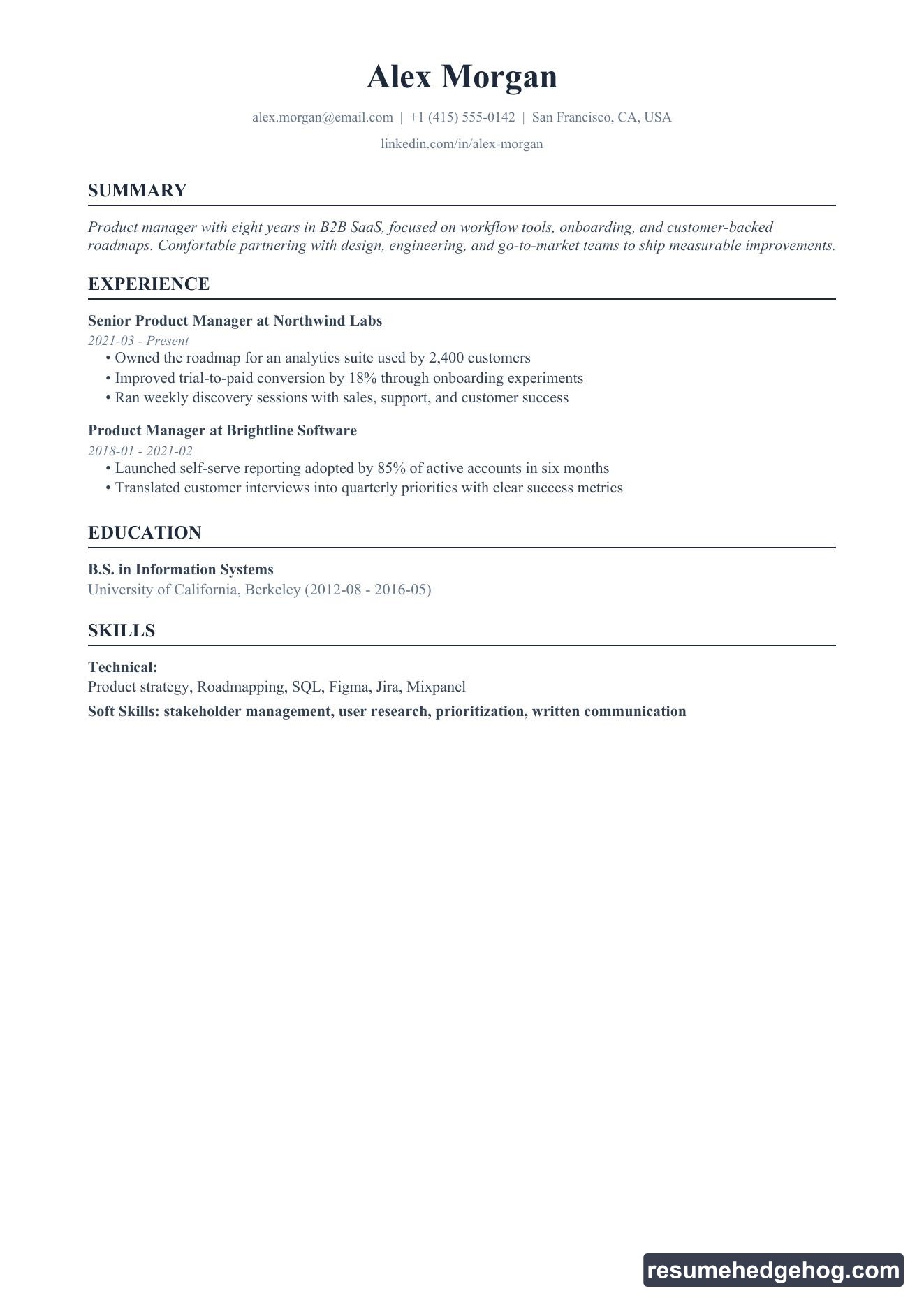
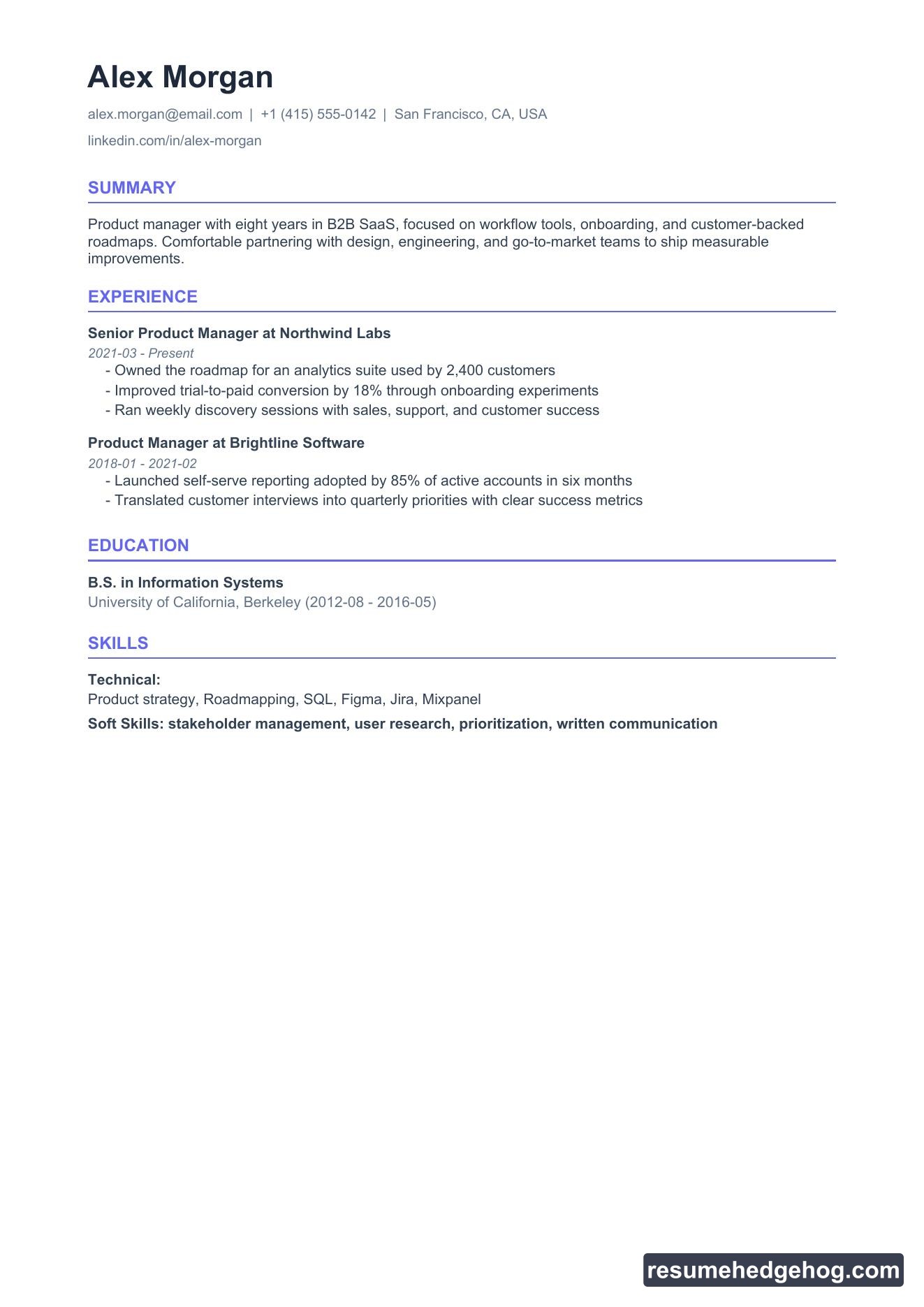
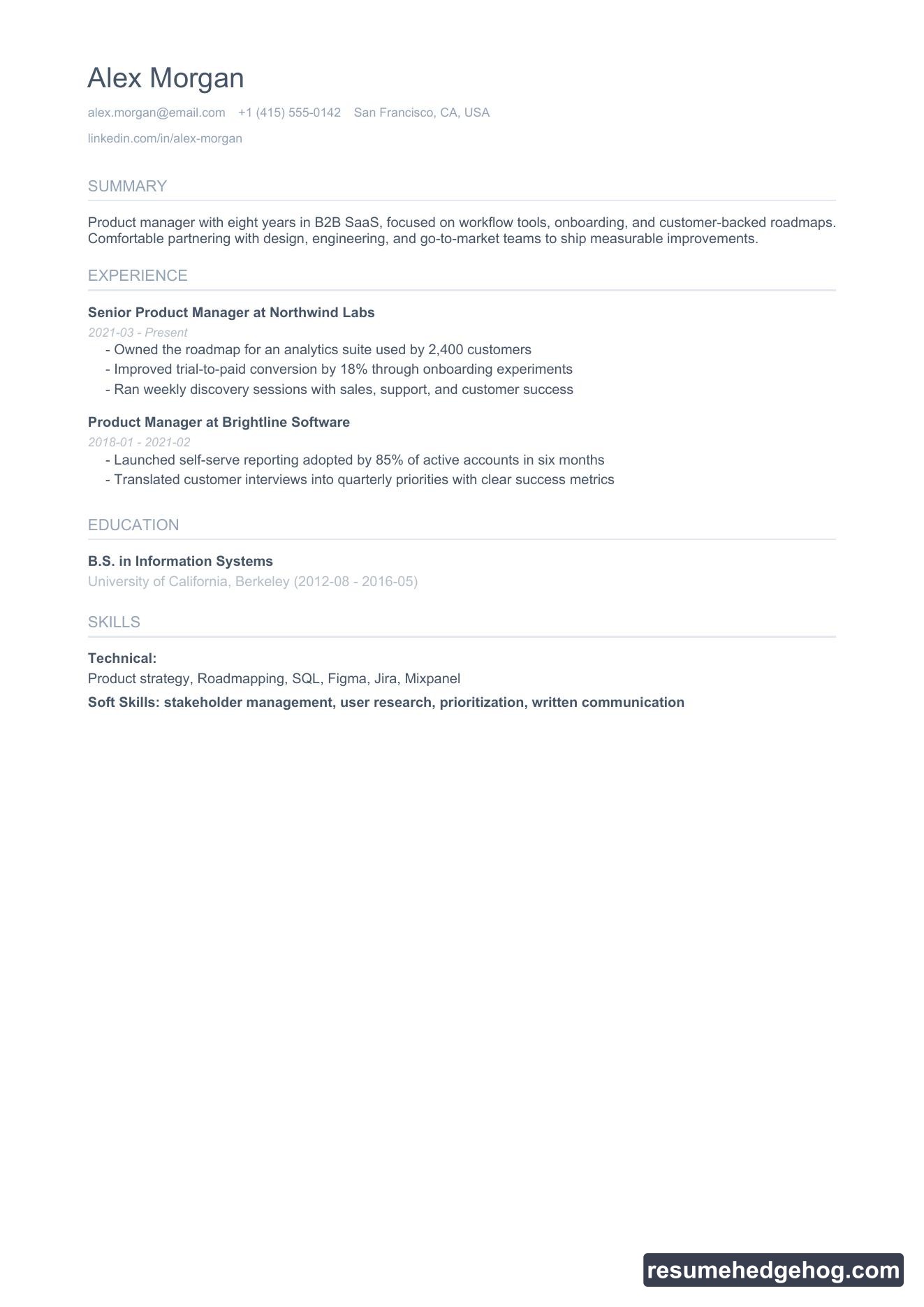
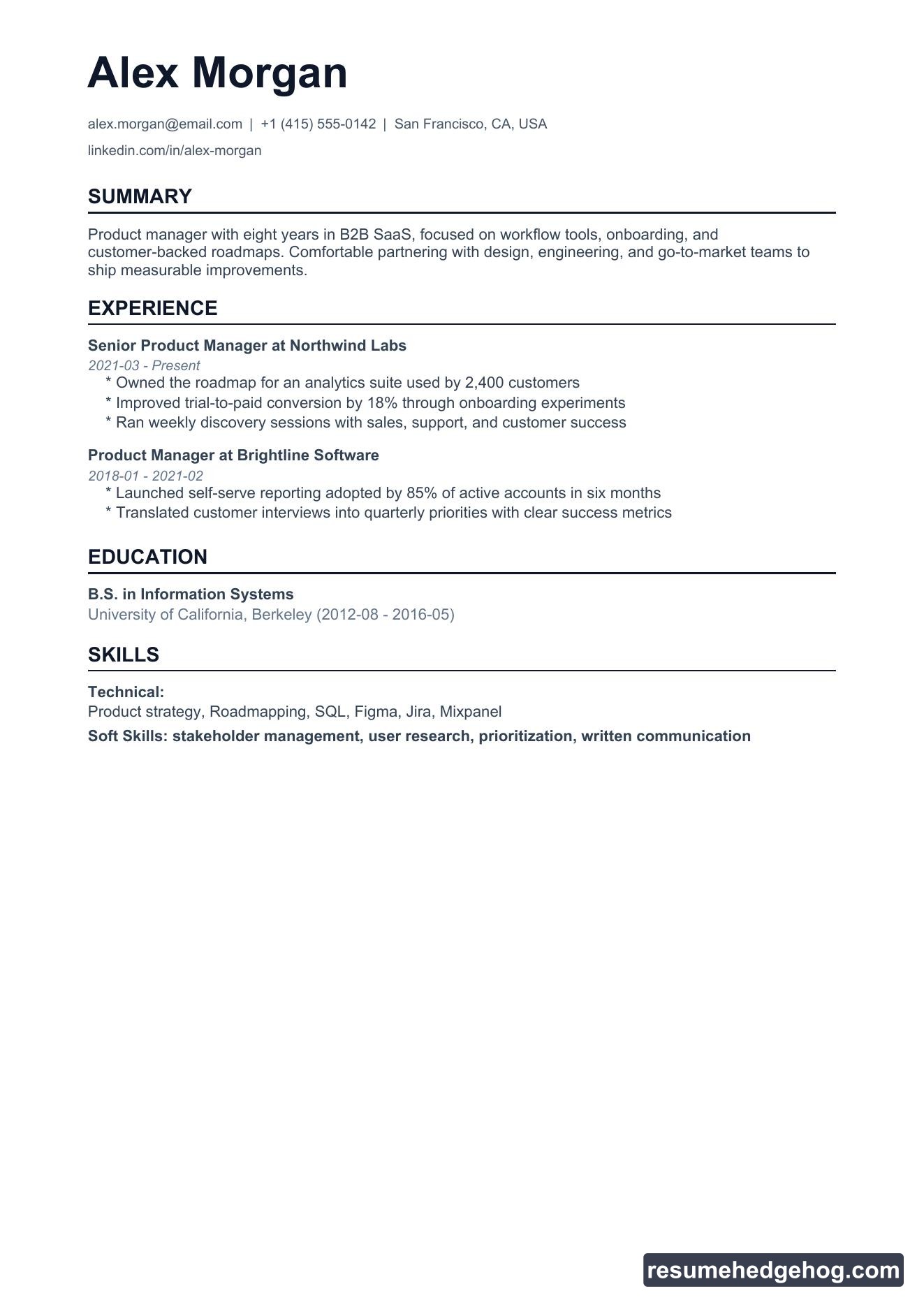
That is why Resume Hedgehog now ships thirteen PDF styles: eight proven layouts plus five new Beta templates we built for 2026. Same tailored content, same ATS-friendly structure, different visual personality.
Pick a style on any job page, preview it instantly, and download when you are ready to apply.
What is new
The five Beta styles are live today:
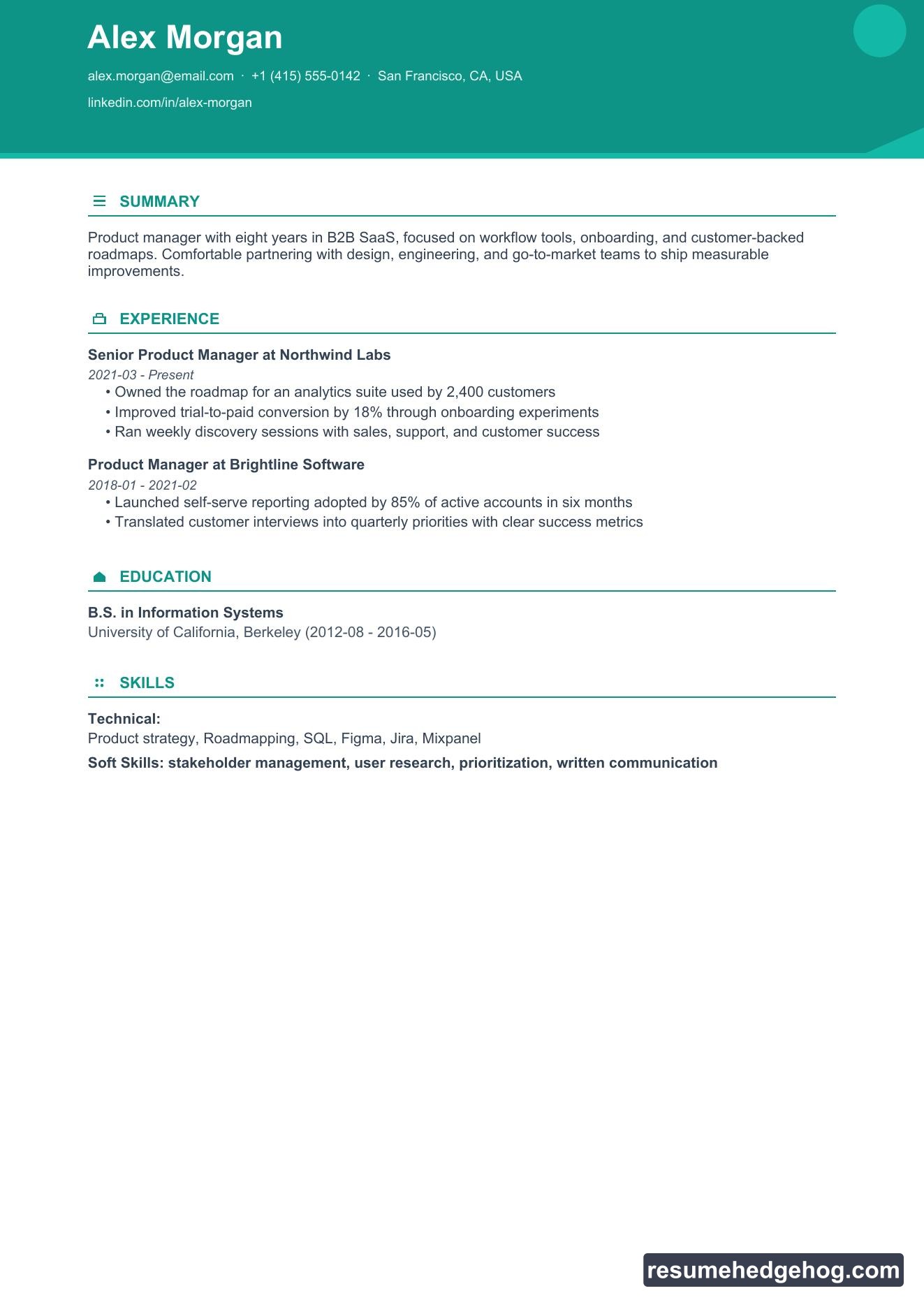
Aurora · teal header band with clean section icons
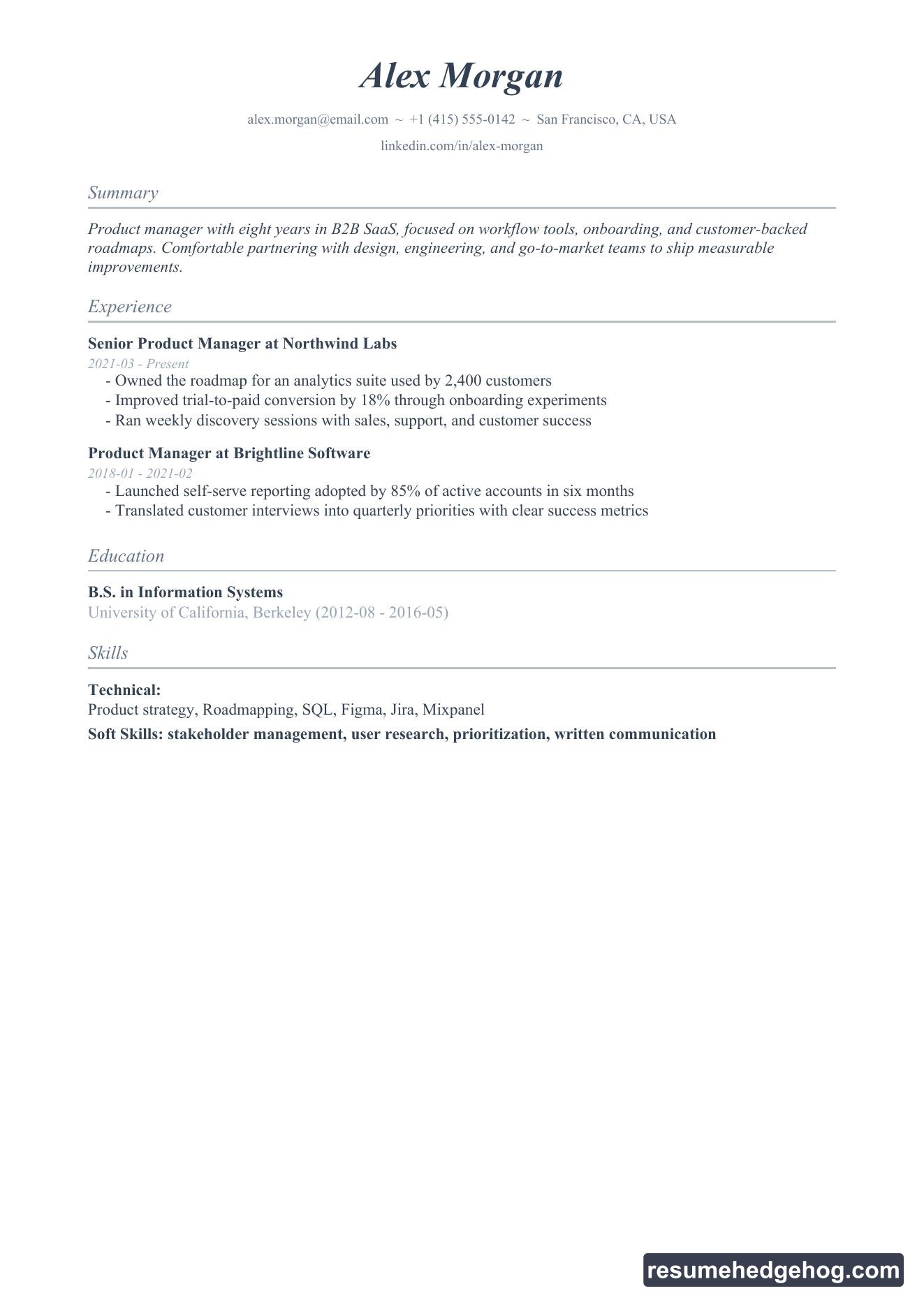
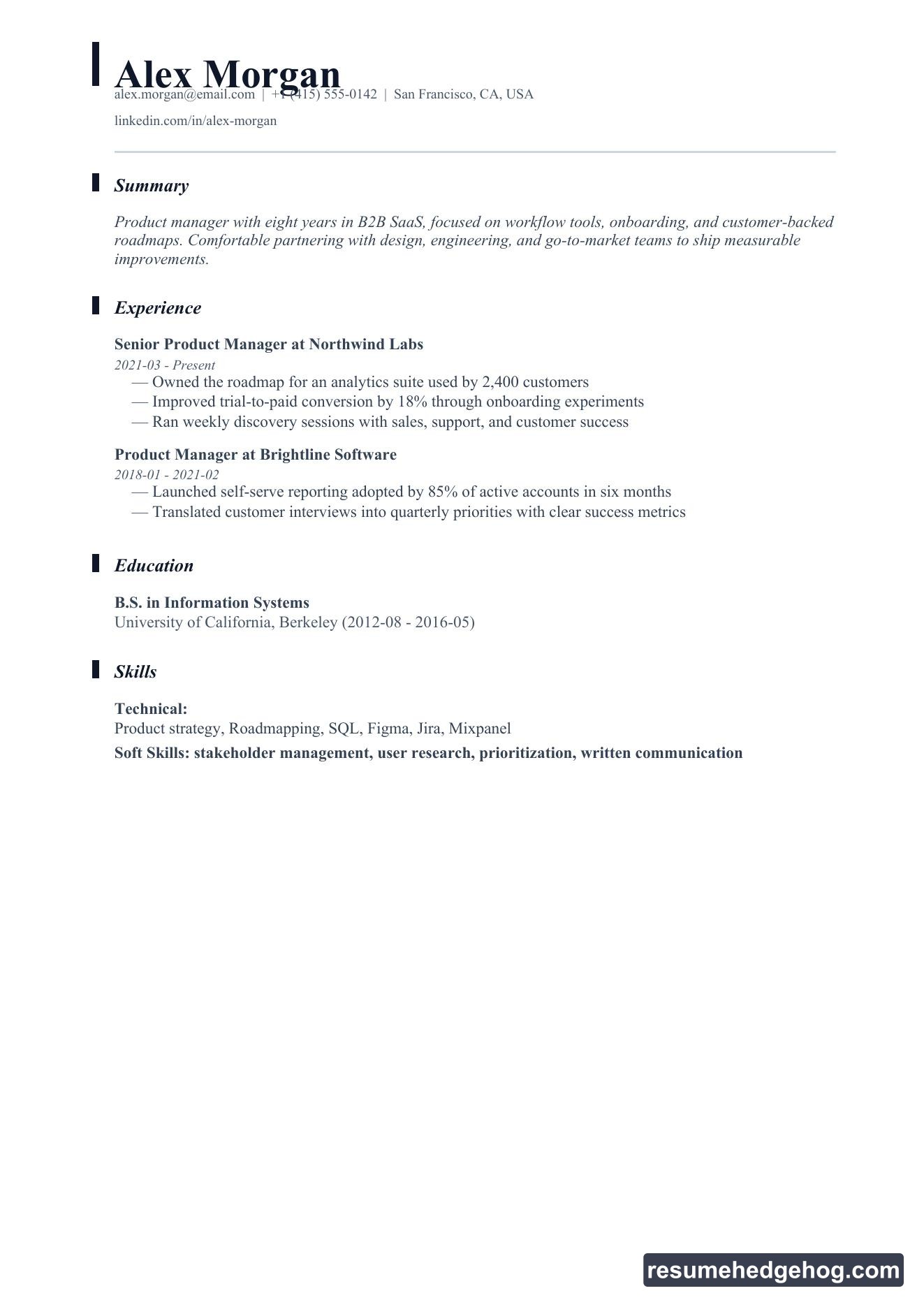
Editorial · serif typography with a strong left accent bar
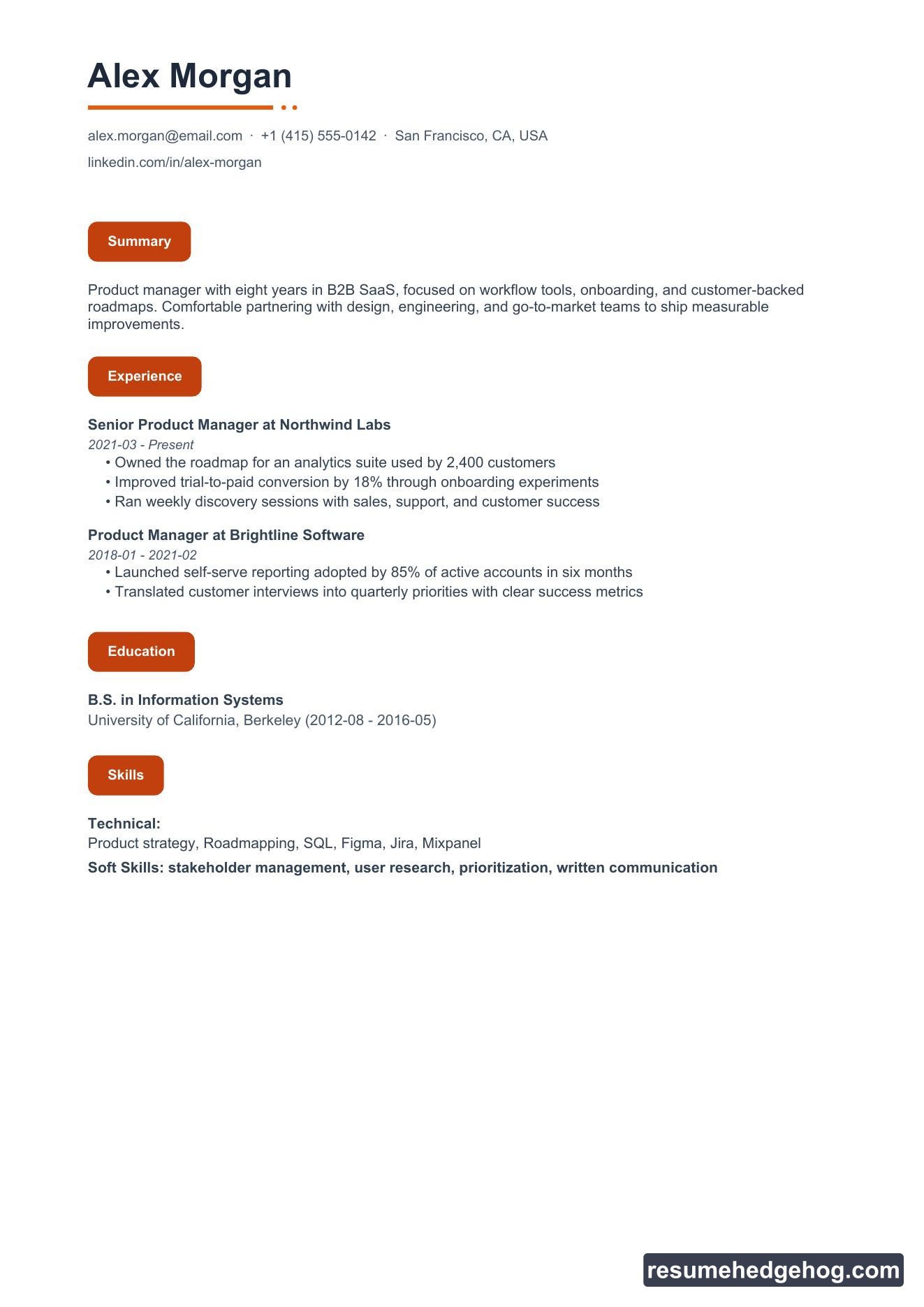
Nova · warm orange pill labels and a modern sans-serif feel
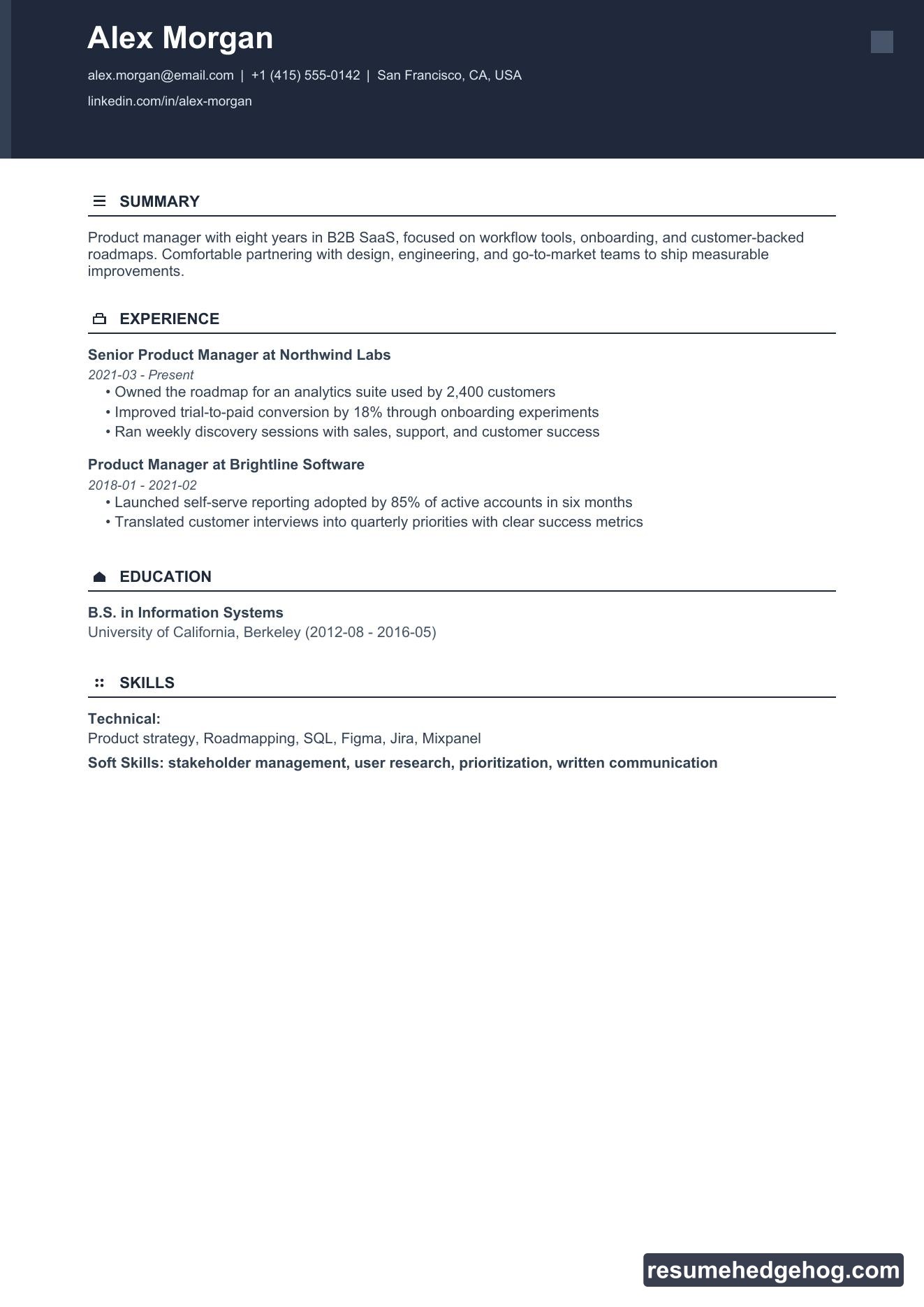
Slate · dark header band with crisp uppercase sections
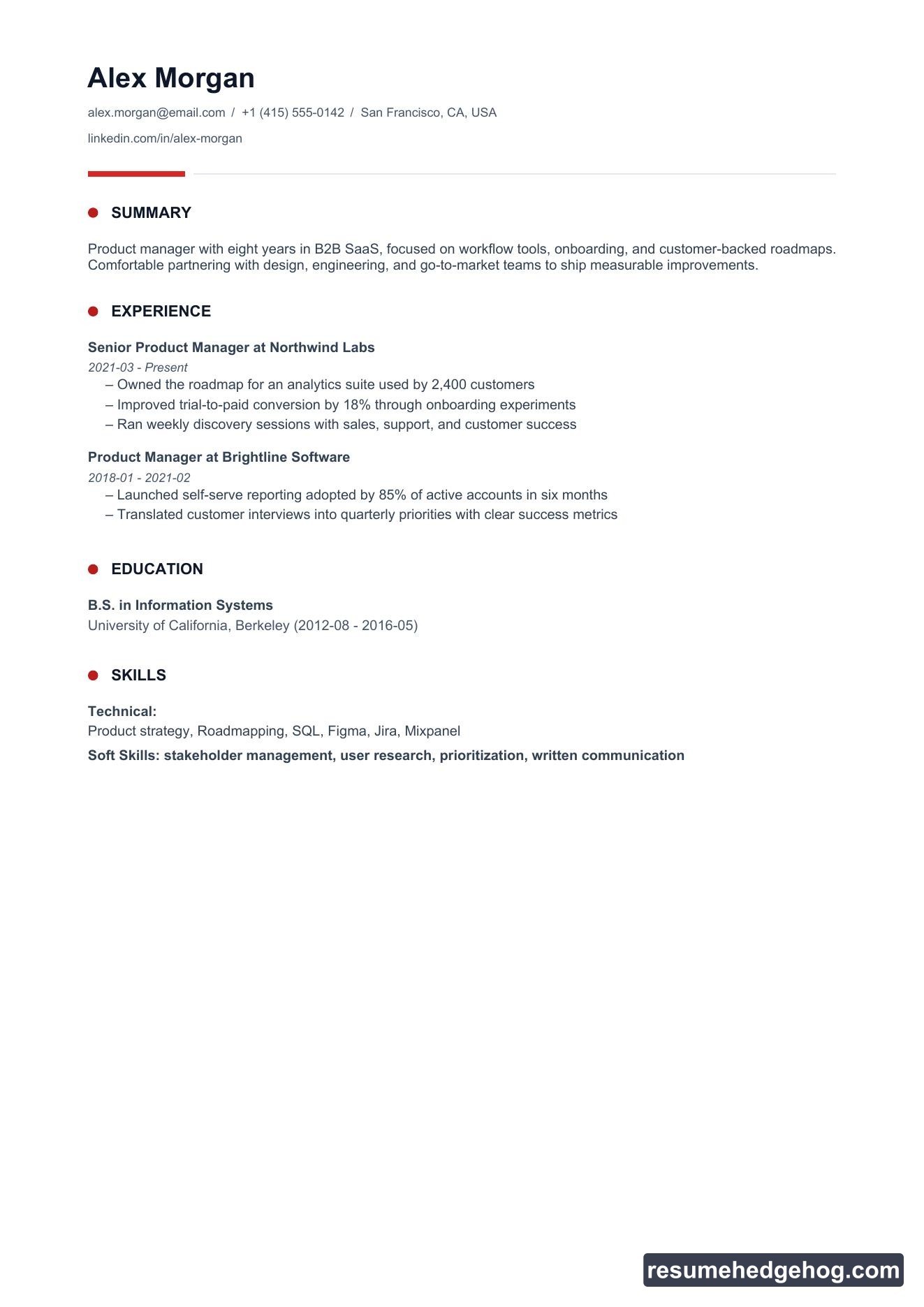
Signal · minimal layout with red dot section markers
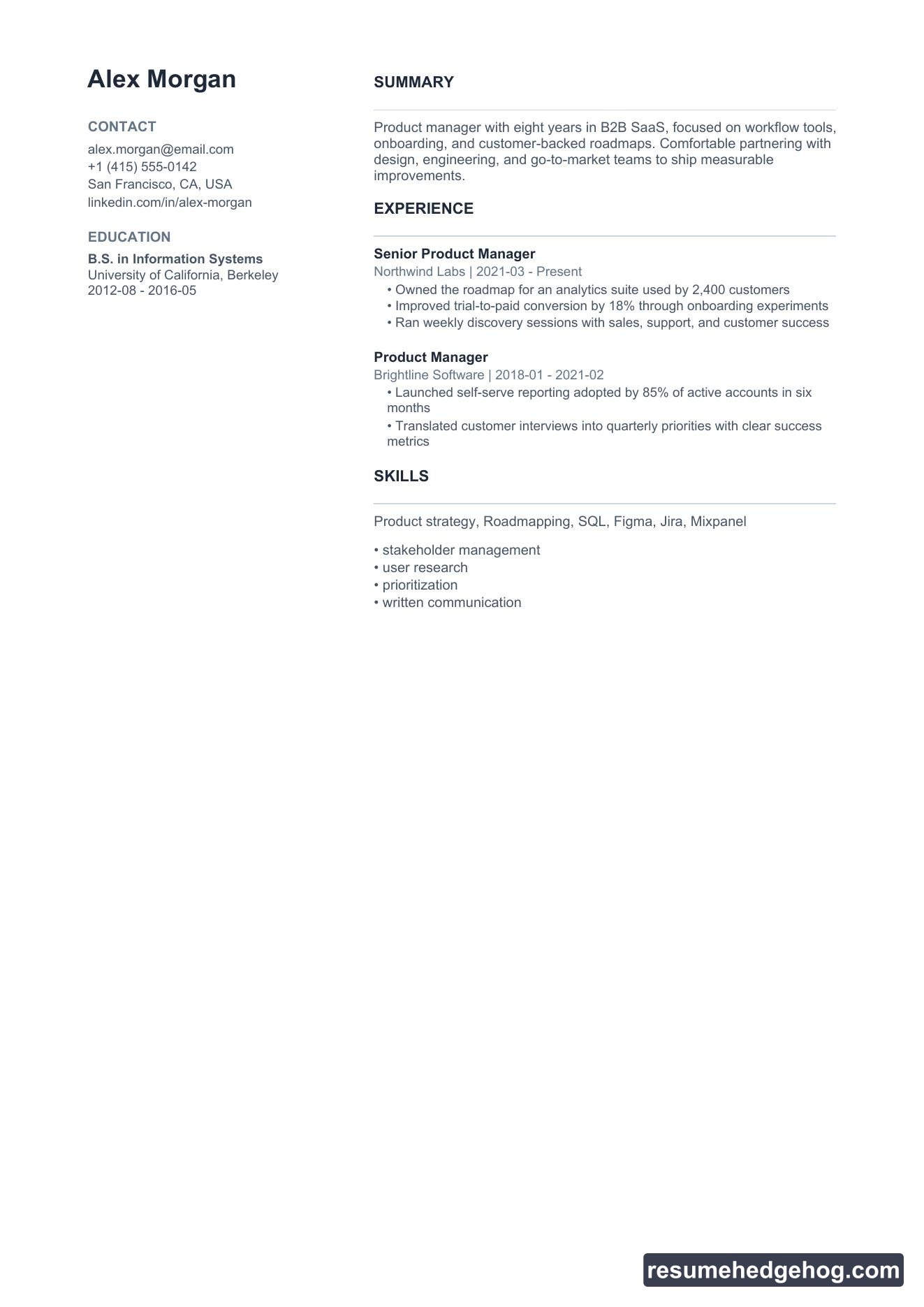
They sit alongside Classic, Modern, Minimal, Bold, Elegant, Technical, Compact, and Columns. Thirteen options, one workflow.
See every style
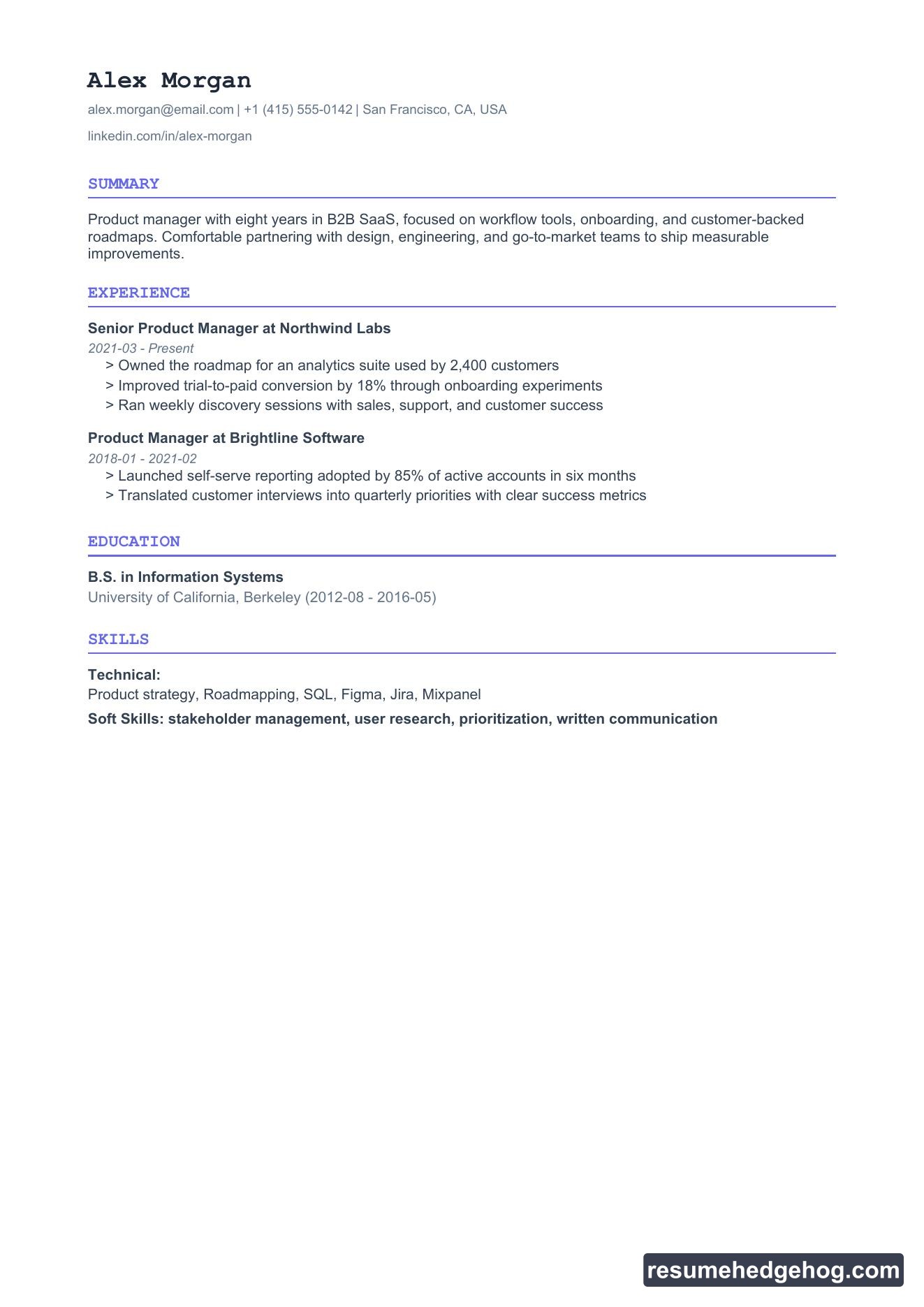
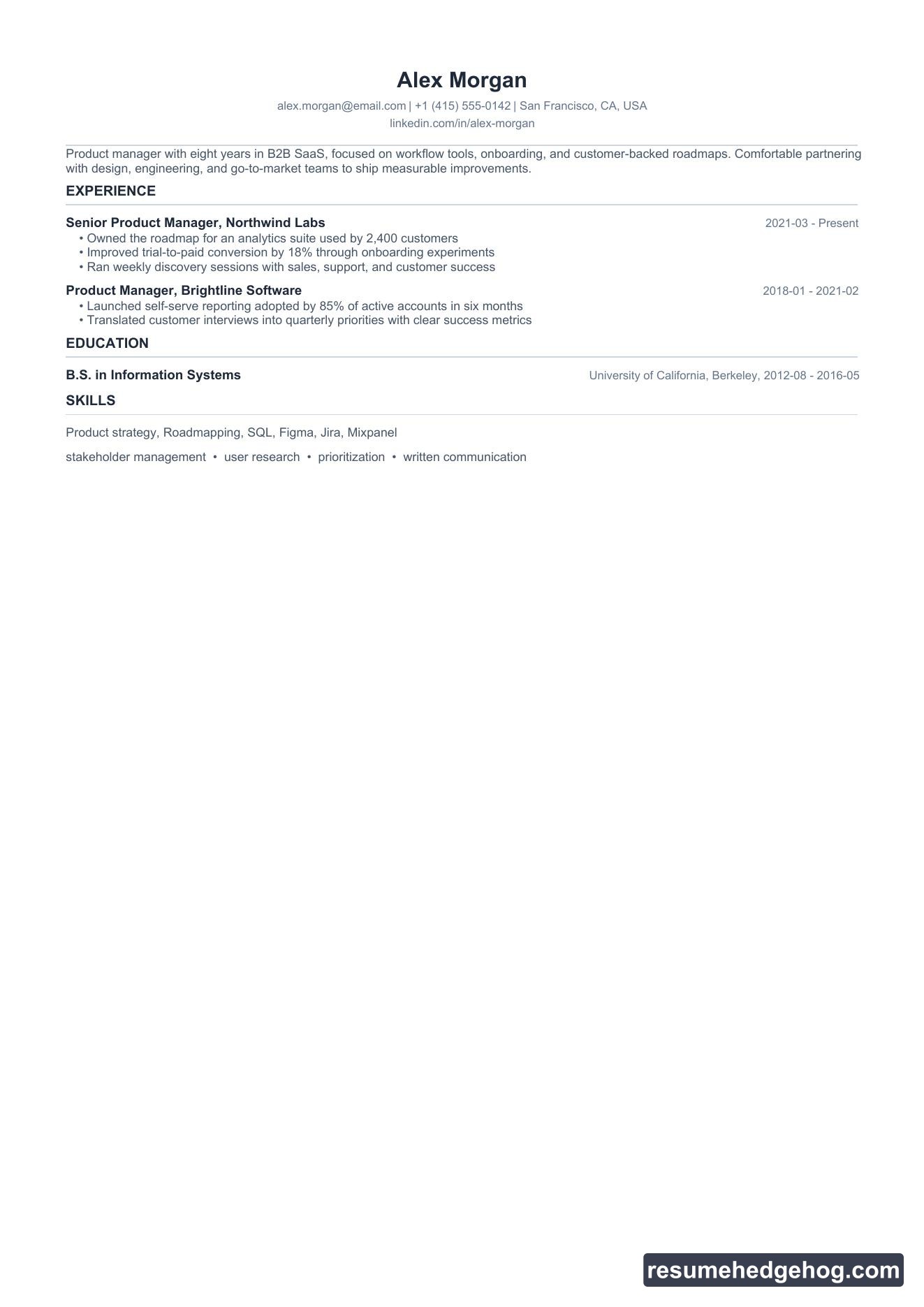
Below are real PDF previews generated from the same sample resume. Each image is watermarked with resumehedgehog.com so you always know where to build yours.
A tailored resume already helps you match the role. The right visual style helps you match the room:
Applying to a design-forward startup? Try Nova or Aurora.
Targeting law, finance, or editorial roles? Editorial or Classic feel intentional.
Want maximum scannability for ATS and recruiters? Modern, Slate, or Signal keep structure obvious.
You are not locked in. Switch styles per job, compare previews side by side, and download the PDF that feels right for that application.
Same Hedgehog workflow
Nothing else changes. Paste a job offer, improve your fit score, answer smart follow-up questions, then open the style picker on your job page. Your content stays tailored. Only the presentation changes.
Cover letters, application answers, interview prep, and notes still live on the same job page. One place to prepare the full application.
Try it now
Open Resume Hedgehog, add a job you are targeting, and generate your resume. Tap PDF style, browse all thirteen layouts, and download the one you want recruiters to see.
If you have been waiting for a resume that looks as polished as it reads, this release is for you.
Get the 356 complete recruitment audit (free PDF)
Download the free PDF with 356 reasons hiring stalls, plus optional daily email tips. No credit card.