Common ATS Resume Mistakes to Avoid
Navigating the job application process can be daunting, especially when your resume must first pass through an Applicant Tracking System (ATS) before reaching human eyes. Many resumes fall short due to common ATS mistakes, which can easily be avoided with the right strategies. By understanding these pitfalls and learning how to sidestep them, you can significantly increase your chances of landing that coveted interview.

Navigating the job application process can be daunting, especially when your resume must first pass through an Applicant Tracking System (ATS) before reaching human eyes. Many resumes fall short due to common ATS mistakes, which can easily be avoided with the right strategies. By understanding these pitfalls and learning how to sidestep them, you can significantly increase your chances of landing that coveted interview.
Photo by KATRIN BOLOVTSOVA from Pexels
TL;DR: Avoid common ATS resume mistakes by ensuring proper formatting, avoiding keyword stuffing, and using standard fonts. These strategies will help your resume pass ATS screenings and reach human recruiters.
Applicant Tracking Systems (ATS) play a crucial role in the modern hiring process. These systems are designed to filter resumes, ensuring that only the most relevant applications reach the hiring manager. However, many qualified candidates find themselves rejected by ATS due to avoidable mistakes. From formatting errors to keyword misuse, understanding how to craft an ATS-friendly resume is essential for any job seeker looking to maximize their chances of success.
What are Common Formatting Mistakes in ATS Resumes?
Formatting plays a pivotal role in ensuring your resume is ATS-compatible. Unfortunately, many applicants fall into the trap of using complex designs that ATS software struggles to interpret. Understanding these common pitfalls can help you design a resume that is both attractive to ATS and human recruiters.

Common Mistakes Include:
- Using Tables and Columns: Many ATS software cannot read text within tables or columns, which can lead to critical information being missed. For instance, if your contact details or key skills are embedded within a table, the ATS might skip over them entirely, rendering your application incomplete.
- Inconsistent Fonts: Using a variety of fonts can confuse ATS software, which is programmed to read standard text. Stick to fonts like Arial or Times New Roman, which are easily processed by most ATS systems.
- Headers and Footers: Important information placed in headers and footers is often ignored by ATS, so avoid placing essential details such as your contact information or key career highlights there.
How to Avoid Keyword Stuffing
Keyword stuffing is the practice of overloading your resume with keywords in an attempt to pass ATS screenings. While it might seem like a good strategy to ensure your resume is picked up by the system, overusing keywords can backfire and make your resume appear unprofessional.
Strategies to Avoid Keyword Stuffing:
- Use Keywords Naturally: It's essential to incorporate keywords in a way that reads naturally and reflects your actual experience. For example, instead of repeating the keyword "project management" excessively, weave it into descriptions of your relevant experience.
- Focus on Relevance: Tailor your resume to the job description by using only keywords that are truly relevant to your experience. This means analyzing the job posting carefully and selecting keywords that match your skills and achievements.
- Quality Over Quantity: It's better to use a few well-placed keywords than to cram your resume with them. Use keywords in context, ensuring they enhance the narrative of your professional journey rather than disrupt it.
Why are Graphics and Non-Standard Fonts Problematic?
Graphics and non-standard fonts can make a resume visually appealing but often cause issues with ATS readability. Many job applicants mistakenly believe that a visually striking resume will make them stand out, but this approach can have the opposite effect when dealing with ATS.

Problems Caused by Graphics and Fonts:
- Unreadable Content: Graphics can distort the text, making it unreadable for ATS. This includes elements like logos, charts, or infographics, which ATS software typically cannot interpret accurately.
- Misinterpreted Information: Non-standard fonts may not be recognized, leading to errors in text interpretation. This could result in garbled text or missing information, which can significantly affect your chances of moving forward in the hiring process.
Alternatives:
- Stick to Text: Use text-based formats and avoid images or graphics. This ensures that all your information is parsed correctly and is accessible to both ATS and human reviewers.
- Standard Fonts Only: Use fonts like Calibri or Verdana that are universally readable. These fonts are not only ATS-friendly but also preferred by many hiring managers for their readability and professional look.
How to Structure and Word Resumes Correctly
A well-structured resume is crucial for ATS compatibility. It's not just about avoiding pitfalls but also about presenting your information in a way that is clear and effective. Here are some tips to ensure your resume is structured correctly:
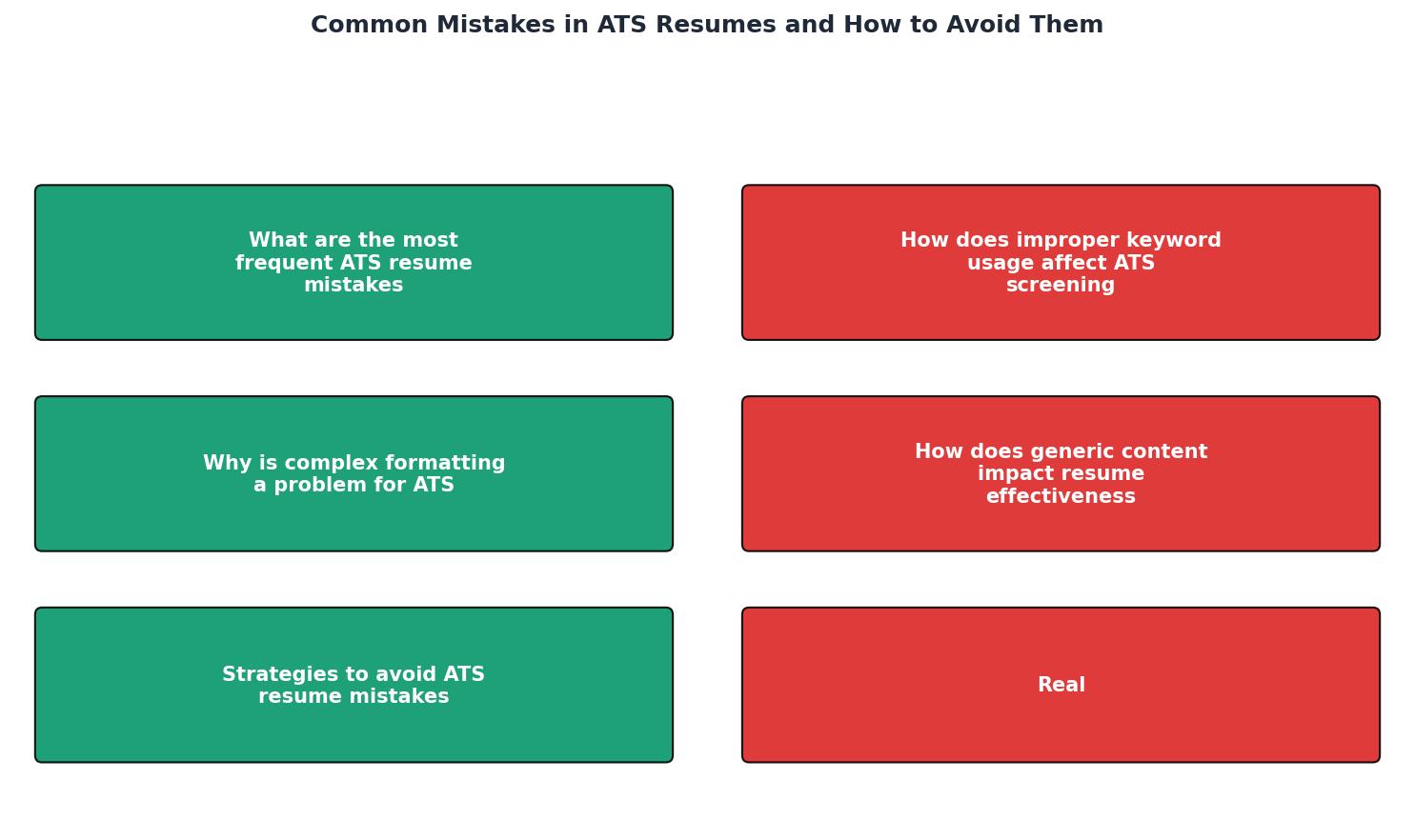
Tips for Correct Structuring:
- Simple Layout: Use a simple, chronological format without unnecessary design elements. A chronological format helps ATS systems to easily follow your career progression.
- Clear Headings: Use clear and standard headings like "Experience," "Education," and "Skills." These headings help ATS systems categorize your information correctly and are also intuitive for human readers.
- Consistent Formatting: Ensure uniform spacing, bullet points, and alignment throughout the document. Consistency helps in maintaining a professional appearance and ensures that all parts of your resume are easily readable.
Examples of Corrected Resume Mistakes
Examining common resume mistakes and their corrections can provide valuable insights into crafting an ATS-friendly resume. Let's look at some examples:
Before and After Analysis:
- Before: A resume with a table layout and multiple font styles. This version might look visually appealing but is likely to be misinterpreted by an ATS.
- After: A simplified, single-column format using a consistent font. This revised version is clean, easy to read, and fully ATS-compatible.
- Before: Overloaded with keywords unrelated to the job description. This approach can be tempting but ultimately detrimental to your application.
- After: Keywords are carefully selected and used contextually. By focusing on relevant keywords, the resume becomes more targeted and effective.
Checklist for an ATS-Compatible Resume
Your progress is saved automatically in your browser.
FAQ
Frequently Asked Questions
Incorporating these strategies can significantly enhance your resume's chances of passing ATS screenings. Have you encountered any other ATS-related challenges? Share your experiences and tips in the comments below.
Additional Resources
- Job Scan Common ATS Resume Formatting Mistakes - Lines: Use horizontal lines sparingly to separate sections but avoid overly complex designs. ○ Tables: Avoid tables as they might not be parsed correctly by ATS ...
- 14 Resume Mistakes to Avoid and How to Fix Them - Another common resume mistake is using inconsistent formatting or a cluttered design. Dense text, multiple fonts, or irregular spacing can make ...
- Common Mistakes to Avoid With Ats - Use clear formatting: Stick to simple layouts without graphics or fancy fonts so your resume is easily read by Ats software. Match job keywords: Echo the ...

Get the 356 complete recruitment audit (free PDF)
Download the free PDF with 356 reasons hiring stalls, plus optional daily email tips. No credit card.
Get the free PDF 356 reasons · Free download