Essential Sections for a New Grad Resume
You finished your degree, built a few projects, maybe survived an internship or two. Now you are staring at a blank document wondering what actually belongs on a resume when your professional experience section is almost empty. The good news is that recruiters screening entry-level candidates do not expect a decade of work history. They expect a clear, well-organized resume that proves you can do the job they are hiring for.

You finished your degree, built a few projects, maybe survived an internship or two. Now you are staring at a blank document wondering what actually belongs on a resume when your professional experience section is almost empty. The good news is that recruiters screening entry-level candidates do not expect a decade of work history. They expect a clear, well-organized resume that proves you can do the job they are hiring for.
Photo by Lukas Blazek from Pexels
TL;DR:- A new grad resume needs six core sections: contact info, summary, education, skills, experience (internships/jobs), and projects.
- Education goes near the top because it is your strongest credential right now.
- Tailoring each section to the specific job posting is what separates callbacks from silence.
The Six Sections Every New Grad Needs
A resume with no structure confuses both the Applicant Tracking System (ATS) and the human who reads it 30 seconds later. Start with these six sections in roughly this order:
- Contact information at the very top: full name, city and state, phone, professional email, LinkedIn URL, and an optional portfolio or GitHub link.
- Professional summary or objective: two to three sentences that state your degree, your target role, and one or two relevant strengths.
- Education: degree, school, graduation date, GPA (if above 3.0), and relevant coursework or honors.
- Skills: a concise list of technical and soft skills that match the job description.
- Experience: internships, part-time jobs, volunteer work, or campus leadership roles.
- Projects: academic, personal, or open-source projects that demonstrate applied skills.
That seven-second scan means every section needs to earn its place. If a section does not help the recruiter answer "Can this person do this job?", cut it or move it lower.
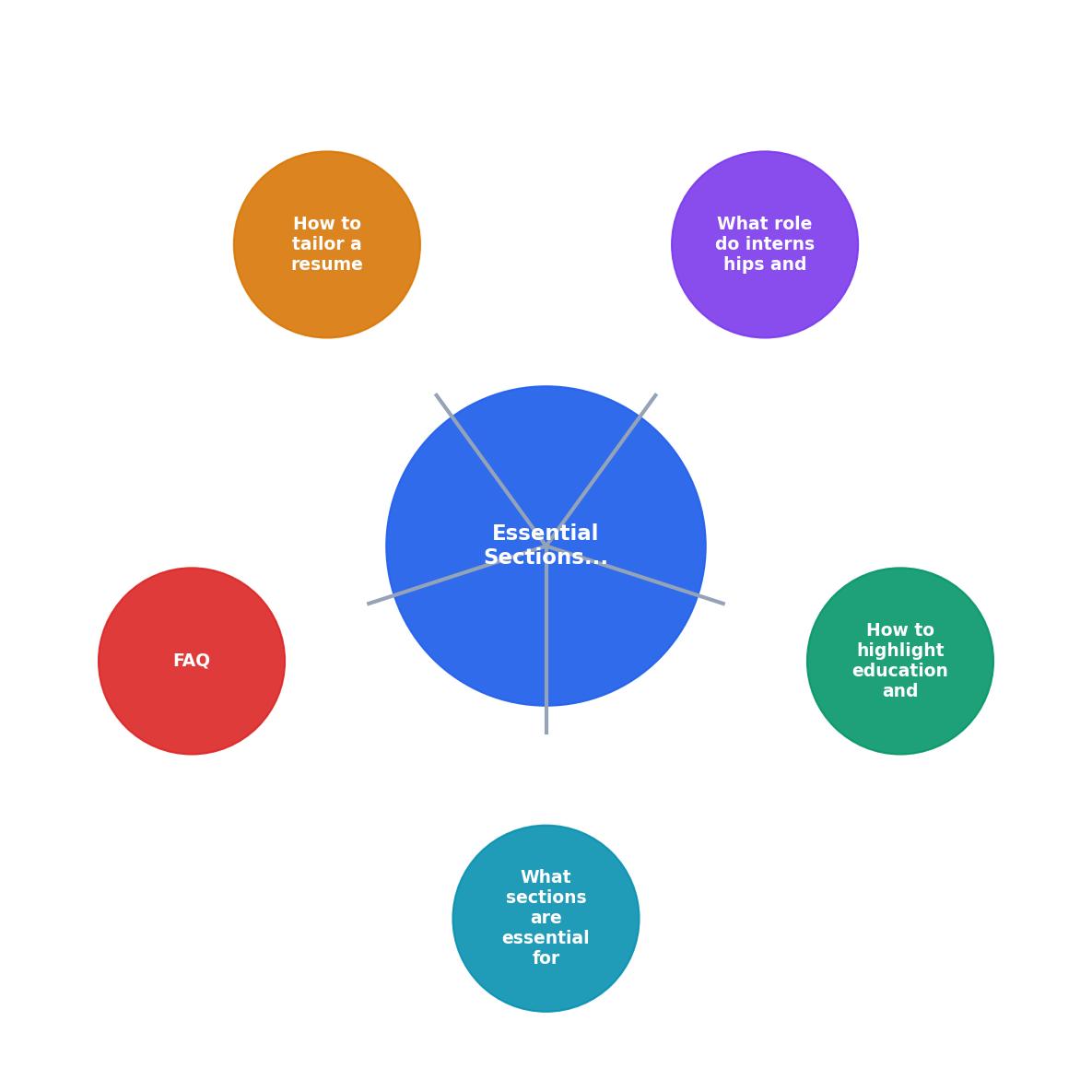
The diagram above shows the flow: Contact Info leads to Summary, then Education, Skills, Experience, and Projects. Keep that order when your degree is your strongest asset. Once you have a year or two of full-time work, Experience moves above Education.
Highlight Education and Academics

"The education section of a resume is standard.">, The New Grad Resume Guide: Everything You Need to Get Started
Standard, yes. But "standard" does not mean boring. Here is how to make your education section work harder:
- Degree and major come first. Write "B.S. in Computer Science" not just "Computer Science."
- University name and graduation date. If you graduated within the last 12 months, include the month and year. If you are still finishing, write "Expected May 2026."
- GPA: include it if it is 3.0 or higher. If your major GPA is stronger than your cumulative, list the major GPA instead and label it clearly.
- Relevant coursework: pick three to five courses that directly relate to the job. Applying for a data analyst role? List "Statistical Methods, Database Systems, Data Visualization." Skip "Introduction to Philosophy."
- Honors and awards: Dean's List, scholarships, academic competitions. These signal discipline and achievement.
- Study abroad or certifications: a semester abroad shows adaptability; a Google Analytics or AWS Cloud Practitioner certification shows initiative.
Internships and Projects Matter Most

When you lack full-time experience, internships and projects become your proof of competence. Treat them with the same seriousness as any job entry.
Internships
Format each internship like a real job:
- Company name, role title, dates on one line.
- Three to five bullet points starting with action verbs: "Built," "Analyzed," "Designed," "Reduced."
- Quantify results whenever possible. "Reduced page load time by 22% by optimizing image assets" beats "Helped improve website performance."
Projects
Projects fill the gap when internships are limited. Include:
- Project name and a one-line description of what it does.
- Technologies used: list the languages, frameworks, and tools.
- Your specific contribution: if it was a group project, clarify what you built.
- Outcome or link: a live demo URL, a GitHub repo, or a measurable result.
Tailor Your Resume for Each Application

Sending the same resume to every job posting is the fastest way to collect rejections. Entry-level roles attract hundreds of applicants. The ones who get callbacks are the ones whose resumes mirror the job description.
Here is a practical approach:
- Read the job posting twice. Highlight the skills, tools, and qualifications mentioned more than once.
- Match your skills section to those keywords. If the posting says "SQL" and your resume says "database queries," change it to "SQL."
- Reorder your bullet points. Put the most relevant experience and projects at the top of each section.
- Adjust your summary. Swap in the job title and one or two key skills from the posting.
- Remove irrelevant items. That retail job from high school can go if you are applying for a software engineering role, unless you can frame it around customer communication or problem-solving.
| Generic Resume | Tailored Resume |
|---|---|
| Same skills list for every job | Skills reordered to match posting |
| Vague summary: "seeking a challenging role" | Specific summary: "junior data analyst with Python and SQL experience" |
| Projects listed randomly | Most relevant project listed first |
| Sent in 2 minutes | Takes 15-20 minutes per application |
| Low callback rate | Significantly higher interview rate |
Tools like Resume Hedgehog can speed up this tailoring process. Upload your base resume, paste the job description, and get an optimized version that aligns your existing experience with the specific role. That 15-minute manual process drops to a couple of minutes.
Here is an example of how a new grad resume layout breaks down by section, with approximate space allocation for a one-page document:
Ideal New Grad Resume Layout
Approximate space allocation on a one-page resume
Notice that Experience and Education together take up about half the page. That is intentional. Those two sections carry the most weight for entry-level hiring decisions.
Build Your Skills Section Right
A skills section is not a dumping ground for every technology you have ever touched. Split it into categories:
- Technical skills: programming languages, frameworks, tools, platforms. Example: "Python, SQL, Tableau, Git, AWS (Cloud Practitioner certified)."
- Soft skills: communication, teamwork, problem-solving. Only include these if the job posting specifically asks for them, and back them up with examples elsewhere on the resume.
- Languages: if you speak more than one language, list them with proficiency levels.
New Grad Resume Section Checklist
Your progress is saved automatically in your browser.
FAQ
Frequently Asked Questions
What section of your new grad resume are you finding hardest to write? Share your challenge below.
Additional Resources
- The New Grad Resume Guide: Everything You Need to Get ... - Personal information: This includes your full name, address, phone number, email address, and LinkedIn profile link (if you have one). · A strong objective. · An ...
- The Ultimate New Grad Nursing Resume Template (with ... - Education: List your credentials, school, and graduation date. Experience: Clearly list clinical rotations and part-time healthcare roles.
- How To Write a College Graduate Resume (With Example) - 1. Provide professional contact information · 2. Create a professional summary · 3. Explain your educational background · 4. List relevant ...

Get the 356 complete recruitment audit (free PDF)
Download the free PDF with 356 reasons hiring stalls, plus optional daily email tips. No credit card.
Get the free PDF 356 reasons · Free download