Proofreading Techniques for an Error-Free Resume
One typo on your resume can cost you an interview. Recruiters spend an average of six to seven seconds scanning each resume, and a single spelling mistake or formatting inconsistency signals carelessness. The good news is that a handful of straightforward proofreading techniques can catch every error before you hit submit, even if you wrote the whole thing at 2 a.m. the night before a deadline.

One typo on your resume can cost you an interview. Recruiters spend an average of six to seven seconds scanning each resume, and a single spelling mistake or formatting inconsistency signals carelessness. The good news is that a handful of straightforward proofreading techniques can catch every error before you hit submit, even if you wrote the whole thing at 2 a.m. the night before a deadline.
Photo by Polina Tankilevitch from Pexels
TL;DR:- Reading your resume aloud catches awkward phrasing and missing words that your eyes skip over.
- Digital tools like Grammarly and Hemingway Editor flag grammar, spelling, and readability issues instantly.
- A peer review from a friend, mentor, or career center adds a fresh perspective that no tool can replicate.
Why proofreading decides your first impression
Your resume is a one-page argument for why someone should hire you. Every word carries weight. A misspelled company name, an inconsistent date format, or a rogue comma tells a recruiter you lack attention to detail. That impression forms before they read a single bullet point about your skills.
Proofreading is not just about catching typos. It covers formatting consistency, factual accuracy, tone, and readability. Think of it as quality control for the most important marketing document you own. The techniques below work in layers: each one catches errors the previous one missed.
"The resume represents your professional life and summarizes your meaningful experiences and education, making you the ideal candidate for a job.">, Proofreading Tips for a Mistake
Read your resume aloud
This is the oldest trick in the editing playbook, and it still works better than most software. When you read silently, your brain auto-corrects errors. It fills in missing words, smooths over clunky sentences, and skips repeated words like "the the." Reading aloud forces you to process every syllable.
Here is how to do it effectively:
- Print the resume or display it on a separate screen from where you wrote it. A change in medium resets your visual memory.
- Read slowly. Point at each word with a pen or your cursor. If you stumble, that sentence needs rewriting.
- Listen for rhythm. Bullet points should feel punchy and parallel. If one starts with "Managed" and the next with "Was responsible for," the inconsistency will jump out when spoken.
- Record yourself. Use your phone's voice memo app. Play it back and follow along on the page. You will hear errors you missed while speaking.
Reading aloud typically adds 10 to 15 minutes to your editing process. That small investment catches missing articles ("a," "the"), verb tense shifts, and sentences that run too long.
Digital tools that catch what you miss
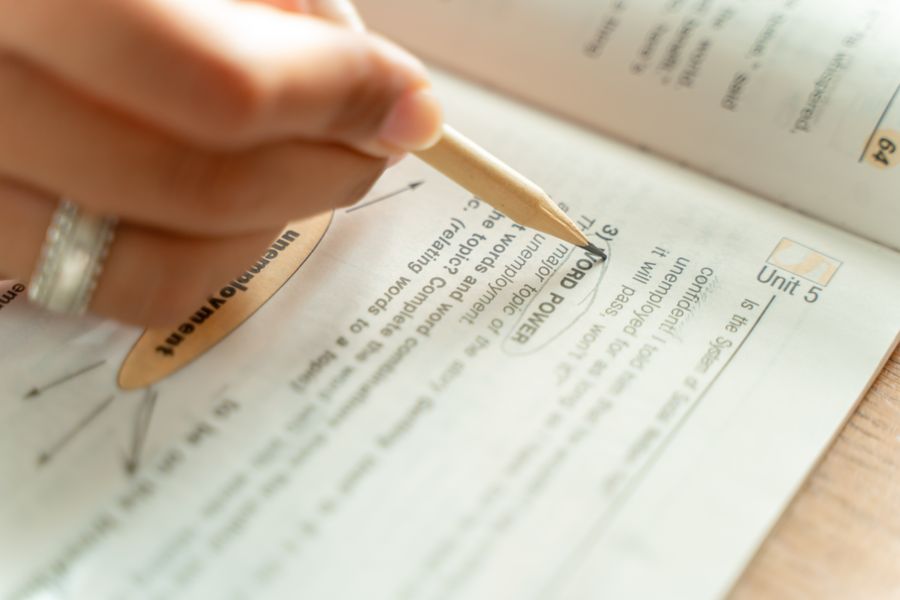
Spell check in Google Docs or Microsoft Word is a starting point, not a finish line. Dedicated proofreading tools go deeper.
Grammarly (free tier available) checks grammar, punctuation, and tone. It flags passive voice, wordy phrases, and inconsistent spelling (e.g., "organize" vs. "organise"). The browser extension works inside Google Docs, LinkedIn, and email drafts.
Hemingway Editor (free web version) highlights sentences that are hard to read. It assigns a readability grade. For resumes, aim for Grade 9 or below so recruiters can scan quickly.
LanguageTool (open-source alternative) supports multiple languages and catches context-dependent errors that basic spell checkers miss, like "their" vs. "there."
No single tool catches everything. Grammarly might miss a factual inconsistency (you wrote "2023" when you meant "2024"), and Hemingway does not check spelling at all. Stack them:
- Run spell check in your word processor first.
- Paste into Grammarly for grammar and tone.
- Paste into Hemingway for readability.
- Do a final manual pass for facts, dates, and formatting.
| Manual Proofreading | Tool-Assisted Proofreading |
|---|---|
| Catches tone and flow issues | Catches grammar and spelling instantly |
| Time-intensive | Seconds per scan |
| Relies on your own knowledge | Uses large language databases |
| Misses patterns you are blind to | Misses context and factual errors |
If you want to go a step further, Resume Hedgehog checks your resume against a specific job description, flagging missing keywords and formatting issues that generic grammar tools overlook.
Why peer reviews matter

You have read your own resume dozens of times. Your brain is saturated. A fresh pair of eyes catches errors you physically cannot see anymore.
Who to ask:
- A friend or classmate in a similar field. They know the terminology and can spot jargon misuse.
- A university career center advisor. Most schools offer free resume reviews, even for recent alumni.
- A mentor or former manager. They can verify that your descriptions of past work are accurate and compelling.
- Online communities like r/resumes on Reddit. Strangers have zero emotional attachment to your wording and will be blunt.
- Share a PDF, not a Google Doc link. PDFs preserve formatting, which is part of what you are proofreading.
- Ask specific questions: "Does the summary sound relevant for a marketing coordinator role?" or "Are my bullet points parallel in structure?"
- Give your reviewer a deadline. "Could you look at this by Thursday?" gets results. "Whenever you have time" gets forgotten.
Three reviewers is the sweet spot. One catches typos, another questions your word choices, and the third notices a formatting inconsistency on page two. More than three and you get conflicting advice that slows you down.
The proofreading process step by step
This diagram shows the full workflow from first draft to final submission. Each step builds on the previous one.
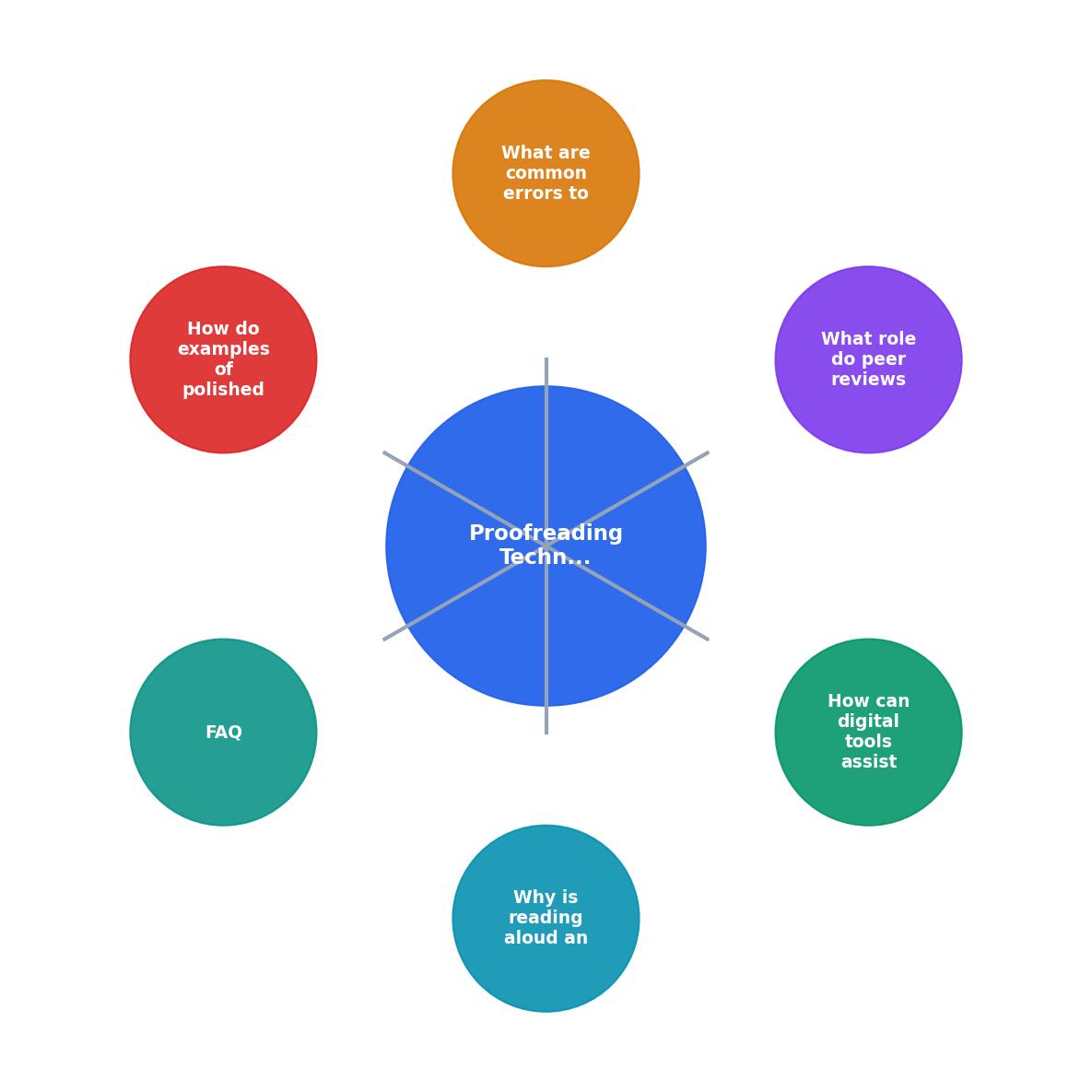
Follow the steps in order: Draft, Read Aloud, Digital Tools, Peer Review, Final Check, Submit. Skipping straight from Draft to Submit is how errors survive.
Common errors to watch for
Here is a concrete list of the mistakes that appear most often on resumes, especially for early-career applicants:
- Inconsistent date formats (e.g., "Jan 2024" in one entry, "January 2024" in another)
- Verb tense shifts (past tense for old roles, present tense for current role; mixing them is the error)
- Missing or extra spaces around bullet points, between sections, or after periods
- Wrong company or school name (copy-paste errors from tailoring to multiple jobs)
- Orphaned formatting (bold text that stops mid-phrase, a bullet point with no text)
- Homophones ("their/there/they're," "lead/led," "affect/effect")
- Inconsistent capitalization in job titles or section headers
- Broken contact info (outdated phone number, misspelled email, dead LinkedIn URL)
The following interactive card summarizes the error categories and how often each one appears in resumes reviewed by career advisors:
Most Common Resume Errors
What a polished resume looks like
A well-proofread resume has a few visible characteristics:
- Parallel bullet points. Every bullet in a section starts with the same grammatical structure (action verb in past tense, for example).
- Consistent visual hierarchy. Section headers use the same font size and weight. Dates align on the right. Margins are even.
- Clean white space. No cramped sections, no giant gaps. The page breathes.
- Zero orphan lines. No single word sitting alone on a line at the end of a bullet point.
- Accurate, verifiable details. Dates match your LinkedIn. The GPA matches your transcript. The company name is spelled exactly as it appears on their website.
Resume Proofreading Checklist
Your progress is saved automatically in your browser.
FAQ
Frequently Asked Questions
What is the one proofreading step you always skip but know you should do? Share it below and help someone else avoid the same mistake.
Additional Resources
- Proofreading Tips for a Mistake-Free Resume - Read It Carefully Read each work carefully, and do not skim. Slow and meticulous are excellent for catching mistakes. Proofread your contact information too. ...
- Top Proofreading Tips to Perfect Your Resume and Cover ... - Consistency is key: Ensure uniformity in font, style, and formatting across your documents. · Clarity and conciseness: Keep language clear and ...
- 12 Resume Proofreading Tips - To proofread your resume effectively, review it slowly for spelling , grammar, formatting, and consistency errors. Use a mix of methods like ...

Get the 356 complete recruitment audit (free PDF)
Download the free PDF with 356 reasons hiring stalls, plus optional daily email tips. No credit card.
Get the free PDF 356 reasons · Free download