Resume optimization guide #5: ATS resume maker comparison
You have sent dozens of applications and heard nothing back. The resume looked fine on your screen, but the applicant tracking system on the other end parsed it into gibberish. Picking the right ATS resume maker can fix that problem before it starts, yet the market now has so many options that choosing one feels like another full-time job. This guide compares the major categories of ATS resume builders, breaks down what actually matters in each, and gives you a clear framework for picking the tool that fits your situation.

You have sent dozens of applications and heard nothing back. The resume looked fine on your screen, but the applicant tracking system on the other end parsed it into gibberish. Picking the right ATS resume maker can fix that problem before it starts, yet the market now has so many options that choosing one feels like another full-time job. This guide compares the major categories of ATS resume builders, breaks down what actually matters in each, and gives you a clear framework for picking the tool that fits your situation.
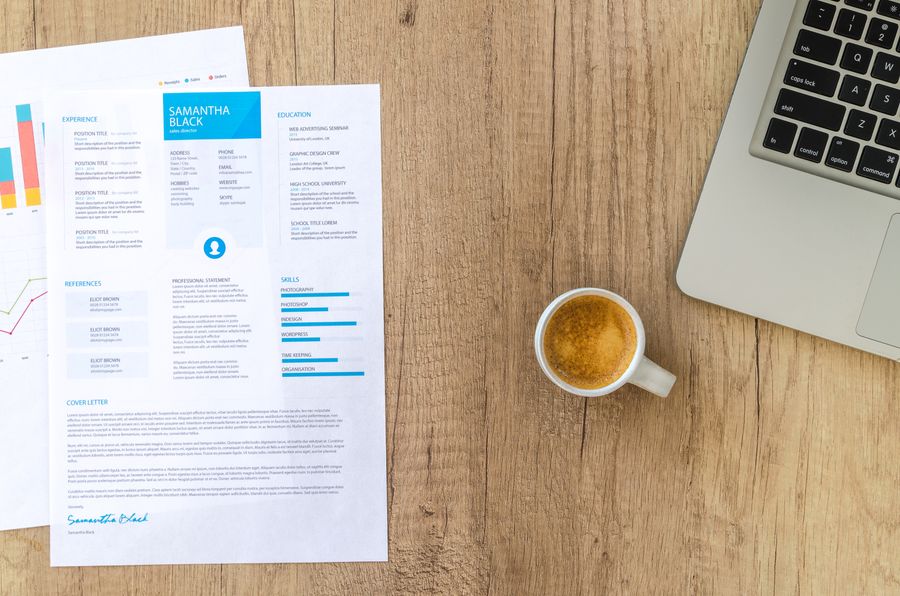
Photo by Lukas Blazek from Pexels
TL;DR:- Most ATS resume makers fall into three buckets: template-based builders, AI-powered tailoring tools, and manual formatting guides.
- The single biggest differentiator is whether the tool matches your resume content to a specific job description or just gives you a clean template.
- For active job seekers sending 10+ applications, an AI tailoring tool like Resume Hedgehog saves the most time per application while keeping ATS compatibility high.
Why ATS compatibility decides your odds
Every resume you submit passes through software before a human sees it. That software scores, ranks, and sometimes outright rejects files based on formatting, keywords, and structure. If your resume maker produces a file the ATS cannot parse, your qualifications never reach the recruiter's screen.
"98% of Fortune 500 companies use an ATS to manage hiring at scale (Resume.io Resume Statistics Report, 2025), which is why formatting choices matter well before a hiring manager ever opens the file.">, ATS Resume Templates & Format Guide for 2026 · Resume.io
That statistic covers Fortune 500 firms, but mid-size companies and startups increasingly use the same systems. Greenhouse, Lever, Workday, iCIMS, and Taleo dominate the market. Each parses resumes slightly differently, but they all struggle with the same things: multi-column layouts, text boxes, headers and footers, embedded images, and unusual fonts. A good ATS resume maker eliminates those traps automatically.

Three categories of ATS resume makers
Not every tool works the same way. Understanding the categories helps you skip the ones that waste your time.
1. Template-based builders
Tools like Canva Resume, Zety, and Novoresume give you pre-designed templates. You fill in your details, pick a layout, and export a PDF. The ATS-friendliness depends entirely on which template you choose. Some look gorgeous but use two-column layouts or graphics that break parsing. Others stick to single-column, standard-font designs that parse cleanly.
Best for: People who need a polished design and plan to manually tailor content for each job.
Limitation: The tool does not analyze job descriptions. You still do all the keyword work yourself.
2. AI-powered tailoring tools
This category includes tools like Resume Hedgehog, Jobscan, Teal, and Kickresume's AI features. You upload your existing resume, paste a job description, and the tool adjusts your content to match. The output is both ATS-formatted and keyword-optimized for that specific role.
Best for: Active applicants sending many applications who need speed and accuracy.
Limitation: Quality varies. Some tools just stuff keywords in; better ones rewrite bullet points to reflect the job's language naturally.
3. Manual formatting guides
These are not tools but resources: blog posts, PDF checklists, and YouTube tutorials that teach you ATS-safe formatting rules. You then apply those rules in Word or Google Docs yourself.
Best for: People who want full control and have time to learn the details.
Limitation: Slow, error-prone, and you still need to handle keyword optimization separately.
What to evaluate in any ATS resume maker

Forget feature lists on landing pages. These five criteria separate useful tools from marketing fluff:
- Parsing reliability - Does the exported PDF parse correctly in major ATS platforms? Test by uploading your output to a free ATS checker.
- Job description matching - Does the tool analyze a specific job posting and adjust your resume accordingly, or does it just offer generic suggestions?
- Content quality - Does it rewrite bullet points to sound natural, or does it jam keywords into awkward sentences?
- Export format - PDF is standard, but some ATS platforms prefer .docx. Check if the tool offers both.
- Speed per application - If tailoring one resume takes 45 minutes in the tool, you have not saved much over doing it manually.
Here is how the main tool categories compare across these criteria:
| Criteria | Template Builders | AI Tailoring Tools | Manual Guides |
|---|---|---|---|
| Parsing reliability | Varies by template | Usually high | Depends on your skill |
| Job description matching | None | Automatic | You do it yourself |
| Content quality | Your own writing | AI-assisted rewrites | Your own writing |
| Export formats | PDF, sometimes .docx | PDF and .docx | Any format you choose |
| Speed per application | 20-40 min | 3-10 min | 45-90 min |
Step-by-step: picking and using the right tool
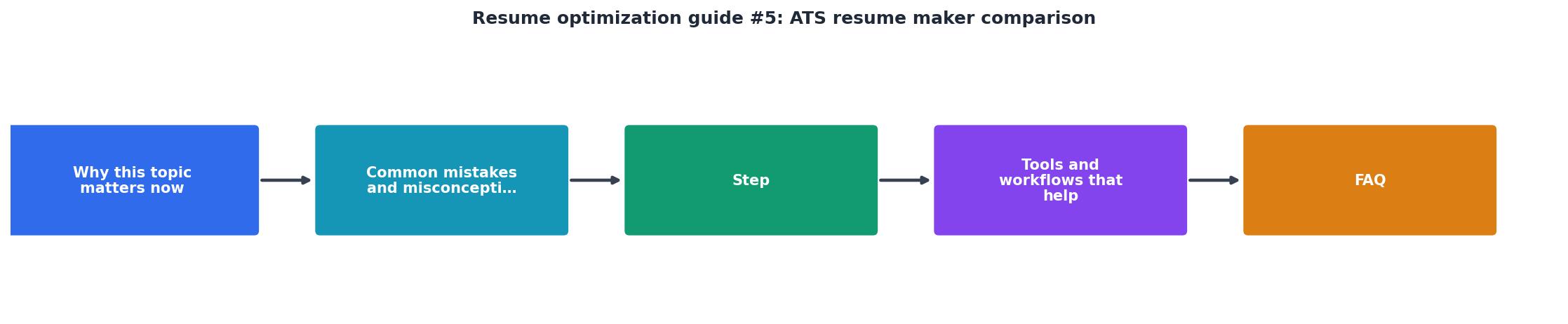
Follow these steps to go from confused to confident:
- Audit your current resume - Upload it to a free ATS parser (Jobscan's free scan or Resume Worded's free check). Note what breaks: missing sections, unparsed dates, lost bullet points.
- Count your target applications - If you plan to apply to fewer than five jobs, a template builder plus manual tailoring works fine. For 10+ applications, an AI tailoring tool pays for itself in hours saved.
- Test two tools side by side - Pick one template builder and one AI tool. Run the same resume and job description through both. Compare the output for readability, keyword coverage, and parsing accuracy.
- Check the output in multiple formats - Export as PDF and .docx. Upload both to an ATS checker. Some tools produce clean PDFs but broken .docx files, or vice versa.
- Read the final resume out loud - If keyword optimization made sentences sound robotic, the tool is not good enough. Recruiters read what the ATS passes through, and awkward phrasing kills credibility.
Template Builders
AI Tailoring Tools
Manual Formatting
Common mistakes that waste your time
Trusting "ATS-friendly" labels blindly. Many template marketplaces slap "ATS-optimized" on every template. That label means nothing without independent verification. Always test the output yourself.
Using the same resume for every application. A template builder gives you a clean format, but if you submit identical content to 30 different roles, you miss the keywords each specific job requires. The format passes; the content does not rank.
Over-optimizing for robots, ignoring humans. Keyword stuffing worked in 2018. Modern ATS platforms are smarter, and recruiters notice when every sentence reads like a search query. The goal is natural language that happens to include the right terms.
Skipping the .docx test. Some companies specifically request Word documents. If your tool only exports PDF, or if the .docx export mangles your formatting, you lose that application.
Candidates who tailor their resume to each job description report significantly higher callback rates. The exact multiplier depends on industry and role, but the pattern is consistent: generic resumes underperform tailored ones by a wide margin.
ATS Resume Maker Selection Checklist
Your progress is saved automatically in your browser.
FAQ
Frequently Asked Questions
Additional Resources
- ATS Resume Templates & Format Guide for 2026 - See the best ATS resume templates for 2026, learn how to optimize your resume for applicant tracking systems, and check real formatting examples.
- Best Free ATS Resume Builder: Top 5 Tested for 2026 - Best free ATS resume builder for 2026: 5 tools tested (Careerkit, Canva, Indeed) with pros, cons, and what actually helps your resume pass ATS ...
- Resume Strategy Blog - INSIGHTS & GUIDES. Resume Strategy Blog. Practical guidance for ATS visibility, stronger applications, and faster interview outcomes. Latest Articles.

Get the 356 complete recruitment audit (free PDF)
Download the free PDF with 356 reasons hiring stalls, plus optional daily email tips. No credit card.
Get the free PDF 356 reasons · Free download